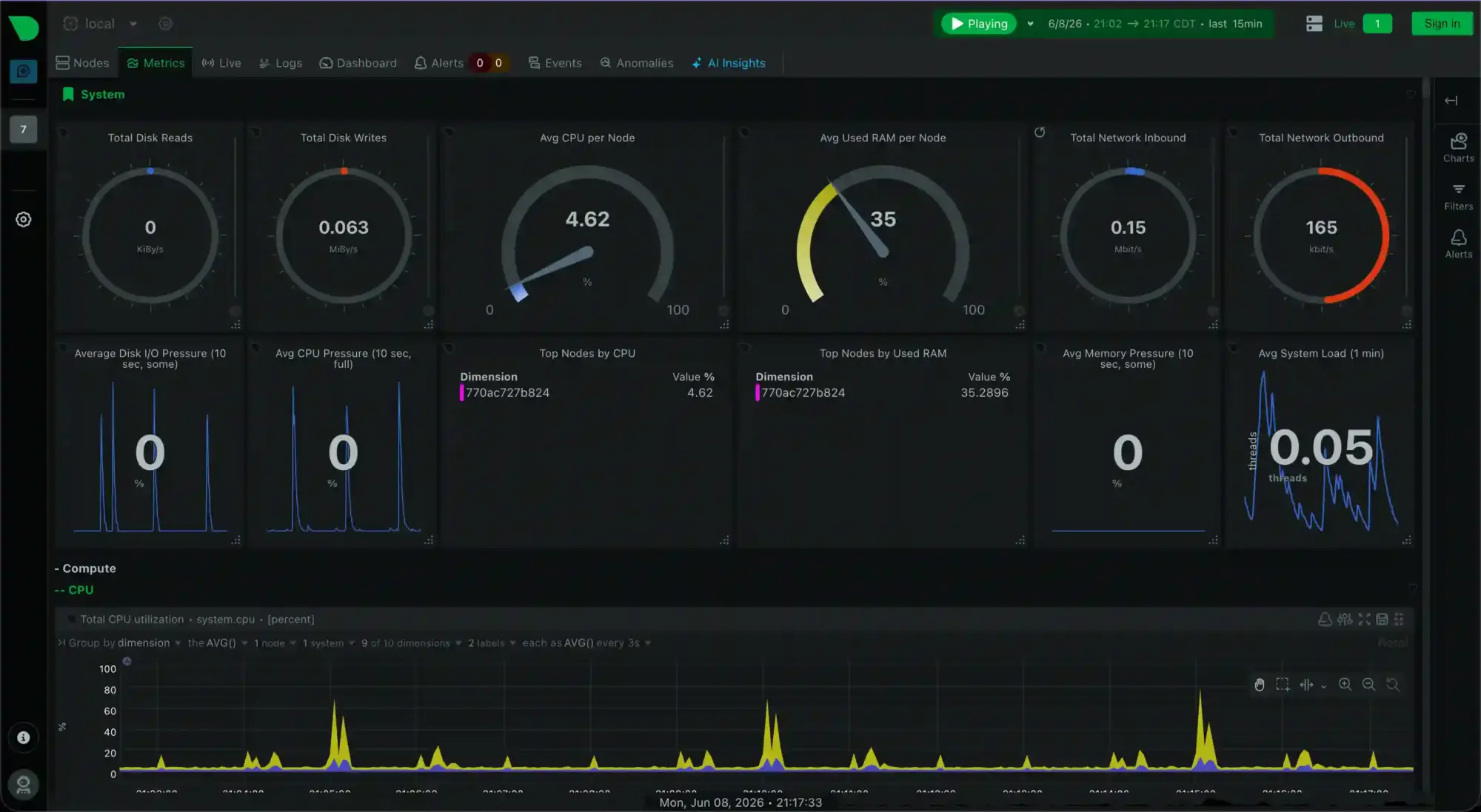
Hey everyone. Today we’re getting Netdata running in Docker and shaping the setup so it’s painless to back up. I’m writing this because when I set mine up, the data lands in places that are easy to forget about, and I wanted everything tucked into one folder so a backup is just “copy this directory and you’re done.” While I was poking at it I also realized the dashboard is open to anyone who can reach it out of the box, which is the kind of thing you want to know before you point it at a network, so we’ll sort that out too.
By the end you’ll have a self-contained Netdata install, a clear backup story, and a sensible answer for who’s allowed to look at it.
What you’ll need
- A Linux box with Docker and the Compose plugin installed (
docker compose versionshould return something). - A folder to keep everything in. I’ll use
/home/{user}/docker/netdata/throughout. Swap in your own path. - A few minutes.
The starting point
Here’s a normal Netdata compose file. If you’ve seen one before, this’ll look familiar:
services:
  netdata:
    image: netdata/netdata:stable
    container_name: netdata
    restart: unless-stopped
    ports:
      - "19999:19999"
    security_opt:
      - apparmor=unconfined
    cap_add:
      - SYS_PTRACE
      - SYS_ADMIN
    pid: host
    volumes:
      - netdatacache:/var/cache/netdata
      - netdatalib:/var/lib/netdata
      - /var/run/docker.sock:/var/run/docker.sock:ro
      - /proc:/host/proc:ro
      - /sys:/host/sys:ro
      - /etc/os-release:/host/etc/os-release:ro
      - /var/log:/host/var/log:ro

volumes:
  netdatacache:
  netdatalib:
Quick tour so nothing here feels like a mystery box. The ports line publishes the dashboard on 19999. The volumes at the bottom declare two named volumes, which are storage areas Docker manages for you somewhere off in /var/lib/docker/volumes/. The host paths like /proc, /sys, and the Docker socket are things Netdata reads from to collect metrics, not data it’s storing.
About those slightly scary lines, apparmor=unconfined, SYS_PTRACE, SYS_ADMIN, and pid: host: you don’t need to stress about them. They’re there because Netdata reaches deep into the host to read per-process info, network stats, and the like, and the default container restrictions would block some of that. They’re not what makes the dashboard reachable in your browser (that’s purely the ports line). Leave them be.
The thing I want to fix is those named volumes. They work fine, but the data lives somewhere out of sight, so backing up “my Netdata setup” means remembering to grab the compose file from one place and dig the volume data out of another. Let’s pull it all into one folder.
Moving the data into one folder
We’re going to trade the two named volumes for bind mounts. A bind mount just means “map this exact folder on the host into the container” instead of letting Docker pick a hidden spot. If a named volume is Docker handing you a storage unit across town, a bind mount is a drawer in the desk you’re already sitting at.
Assuming your compose file lives at /home/{user}/docker/netdata/docker-compose.yml, here’s the updated version:
services:
  netdata:
    image: netdata/netdata:stable
    container_name: netdata
    restart: unless-stopped
    ports:
      - "19999:19999"
    security_opt:
      - apparmor=unconfined
    cap_add:
      - SYS_PTRACE
      - SYS_ADMIN
    pid: host
    volumes:
      - ./cache:/var/cache/netdata
      - ./lib:/var/lib/netdata
      - /var/run/docker.sock:/var/run/docker.sock:ro
      - /proc:/host/proc:ro
      - /sys:/host/sys:ro
      - /etc/os-release:/host/etc/os-release:ro
      - /var/log:/host/var/log:ro
Two things changed. The first two volume lines now point at ./cache and ./lib, which are relative to wherever the compose file sits, so they resolve to /home/{user}/docker/netdata/cache and .../lib. And the whole volumes: block at the bottom is gone, because that section only declared named volumes and we don’t have any anymore. If you leave it in, Compose will complain.
Bring it up from inside the folder:
cd /home/{user}/docker/netdata
docker compose up -d
Docker creates the cache and lib folders for you if they don’t exist. Now ls that directory and you’ll see your compose file sitting right next to the data it produces. That’s the whole goal.
If you’ve already got Netdata running and want to keep your history
Starting fresh is totally fine, and Netdata will just rebuild its database. But if you’ve been collecting metrics for a while and don’t want to lose them, copy the old volume contents over before you tear the old setup down:
cd /home/{user}/docker/netdata
mkdir -p cache lib
docker run --rm \
  -v netdata_netdatacache:/from -v "$PWD/cache":/to \
  alpine sh -c "cp -a /from/. /to/"
docker run --rm \
  -v netdata_netdatalib:/from -v "$PWD/lib":/to \
  alpine sh -c "cp -a /from/. /to/"
The volume names get prefixed with the project (folder) name, so they’re probably netdata_netdatacache and netdata_netdatalib. Run docker volume ls to confirm before you trust those names.
One little headache you might run into: permission errors in the logs after switching to bind mounts. Netdata runs as UID/GID 201 inside the container, and usually it sorts out its own folders on startup. If it doesn’t, this clears it:
sudo chown -R 201:201 cache lib
Locking down who can see it
Here’s the part I really wanted to flag. Out of the box, the local Netdata dashboard has no password. By default the Agent exposes its dashboard on port 19999, and if the node has a public IP, the dashboard and metrics are accessible to anyone at http://NODE:19999. And the data it serves isn’t nothing: without authentication, anyone who can reach the dashboard could access system logs, query patterns, and potentially sensitive context.
So before this is reachable from anywhere you don’t fully trust, decide who should be able to see it. The lever for that is the ports line, and it controls which of the host’s own network interfaces Docker listens on.
Option 1: only from the server itself. If you’ll only ever view the dashboard from the box it runs on, or through an SSH tunnel, bind it to localhost:
    ports:
      - "127.0.0.1:19999:19999"
Now nothing off the machine can reach it. To view it remotely you’d tunnel in with ssh -L 19999:localhost:19999 user@server and open localhost:19999 in your browser.
Option 2: only from a trusted LAN or VLAN. This is what I run. My Netdata box lives on a network segment that’s walled off from my IoT gear (the cheap devices that love phoning home), and that VLAN is what actually does the isolating, enforced by my router, not by Docker. I bind the port to the server’s address on that segment so it answers there and nowhere else:
    ports:
      - "192.168.10.5:19999:19999"
Swap in your server’s real IP. Anyone on that VLAN browses to http://192.168.10.5:19999 and nobody on the other side of the firewall can touch it. One catch: that IP has to stay put. If your server gets its address over DHCP and it could change, set a DHCP reservation or a static IP, otherwise the bind breaks and the container won’t start next time the lease rolls over.
Worth being honest about what this bind does and doesn’t do. If your network already isolates the box, plain "19999:19999" (listen on everything) behaves the same as the pinned IP today. The reason I pin it anyway is as a hedge: if the server ever grows a second network interface or a VPN connection later, 0.0.0.0 would quietly start answering there too, while the pinned address would not. For a home setup that rarely changes, either is reasonable.
Option 3: real authentication. If you want to reach the dashboard from the open internet, don’t expose 19999 directly. Put Netdata behind a reverse proxy like Nginx, which gives you HTTPS plus username and password authentication. There’s also a Cloud route: if you claim the agent to Netdata Cloud, a single setting secures direct access to the agent using Cloud SSO and your existing roles.
One last thing so you’re not surprised by what you see: from Netdata v2.0 onward, the newer V3 dashboards are the default and ask you to sign in through Netdata Cloud, with an opt-in option to view a limited unauthenticated version of the local dashboard. Don’t lean on that as your security boundary though. The metrics and API are still reachable underneath, so the network-level controls above are what actually protect you.
Backing it up
This is the payoff for all that folder wrangling. Your entire Netdata setup, the compose file plus the config plus the metrics database, now lives under one directory, so a backup is exactly what you’d hope:
tar czf netdata-backup-$(date +%F).tar.gz -C /home/{user}/docker netdata
Restoring is just dropping that folder back in place and running docker compose up -d.
One small thing to know if you script this: Netdata writes to its database constantly, so a backup taken while it’s running might catch a file mid-write. For metrics data that’s rarely a real problem, but if you want a perfectly consistent snapshot, docker compose stop first, take the backup, then docker compose start.
Final thoughts
That’s the whole loop: Netdata running in Docker, all its data self-contained in one tidy folder, a one-line backup, and a clear decision about who gets to look at it. The security piece is the bit I’d most encourage you not to skip. It’s easy to stand this up, see pretty graphs, and forget that by default the door is unlocked.
If you get stuck on the permissions step or the IP binding behaves oddly on your setup, drop a comment and I’ll help you work through it. Thanks for reading!
-Adrian